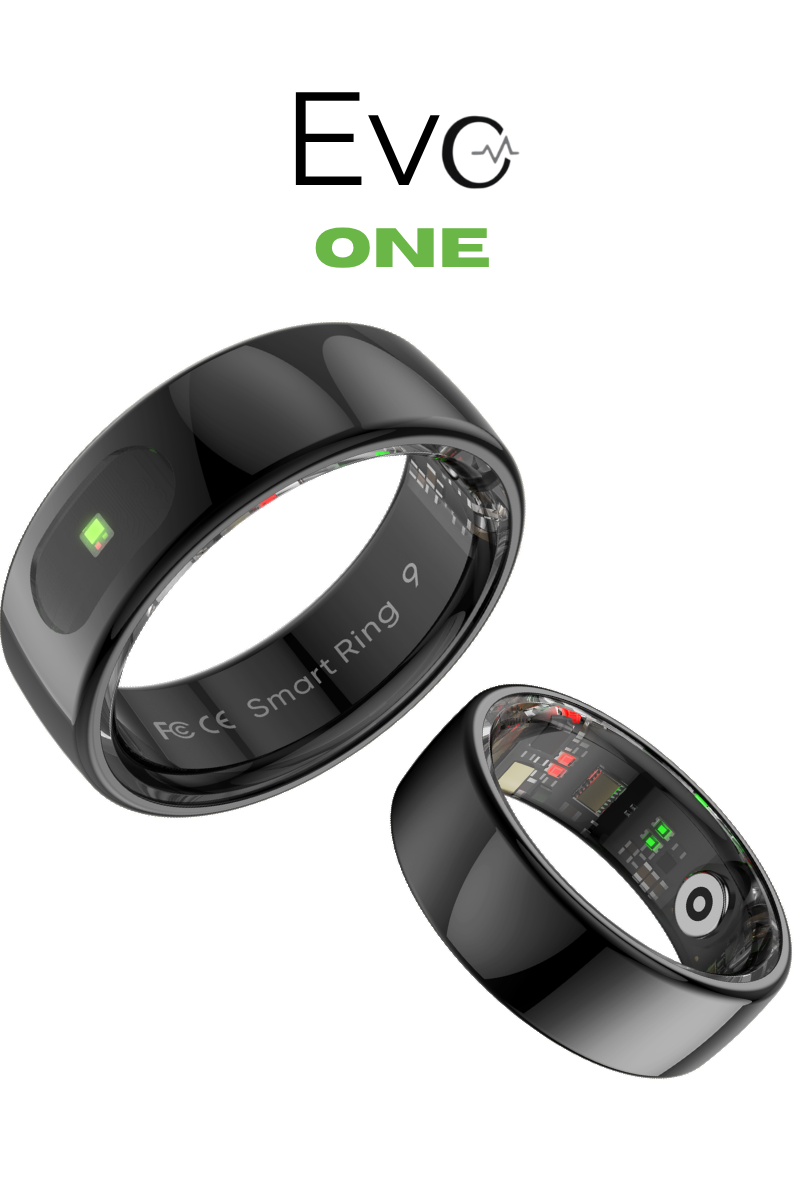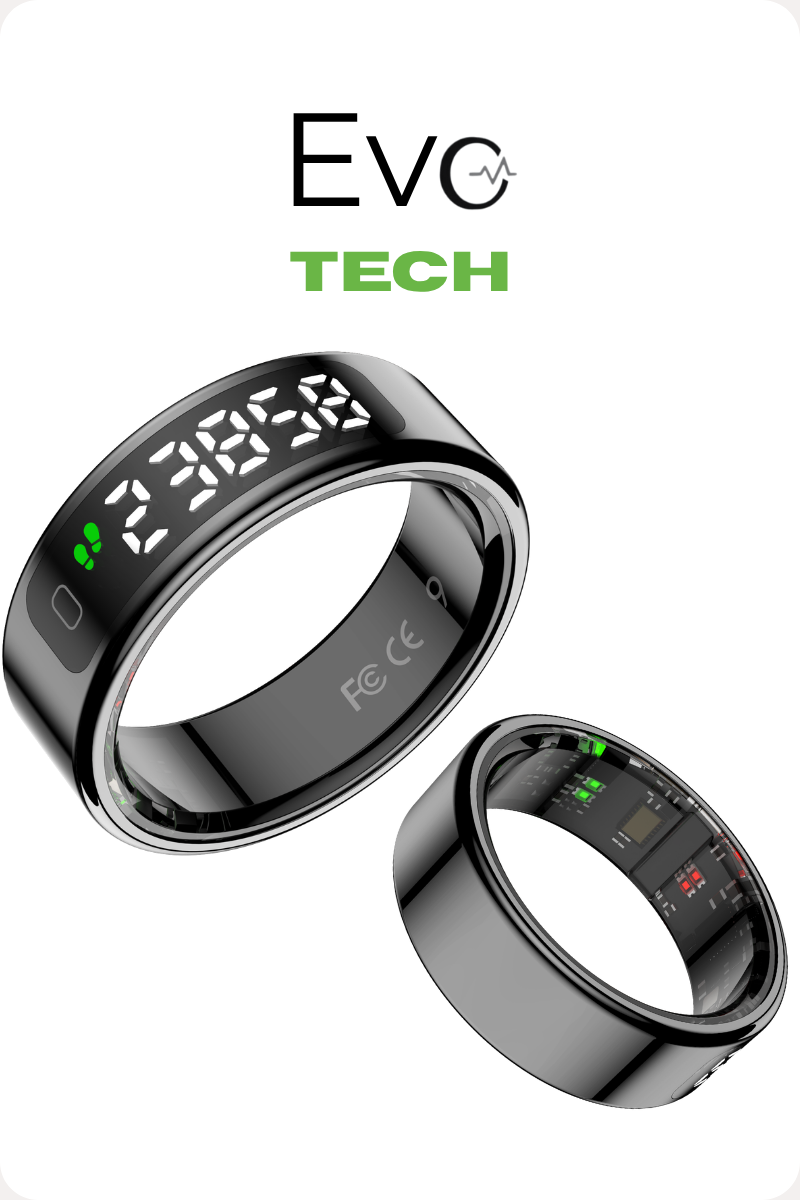
Understand your body. Every day.
Track sleep, activity, recovery, and health insights with the QRing App.

Most people don't know how their body is actually doing.


Device control at a glance
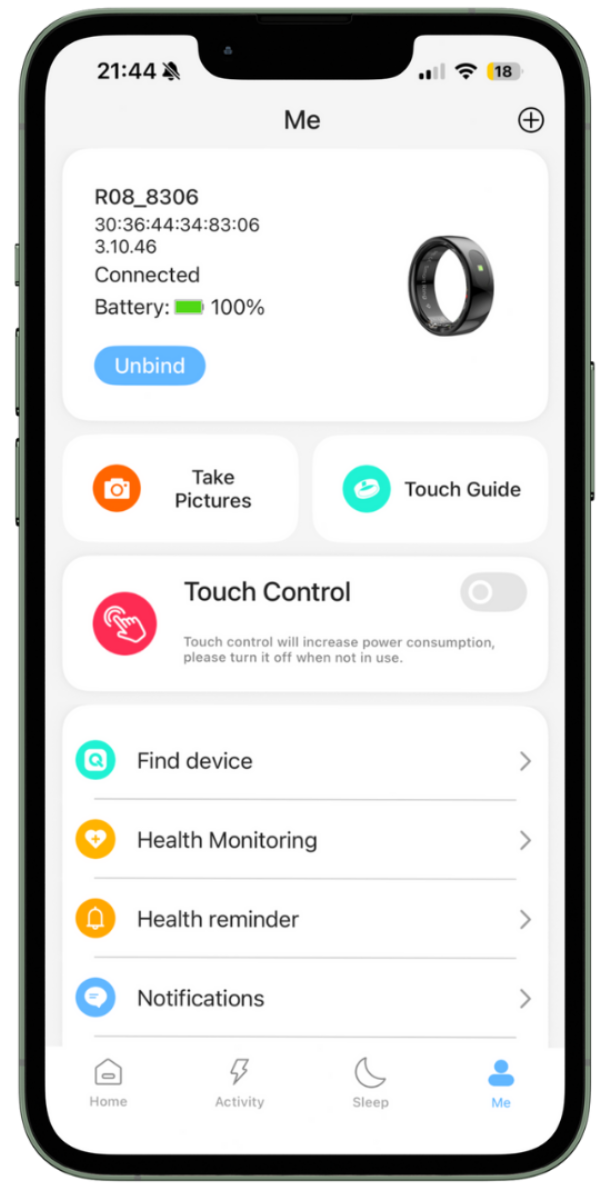
Manage your ring directly from the app
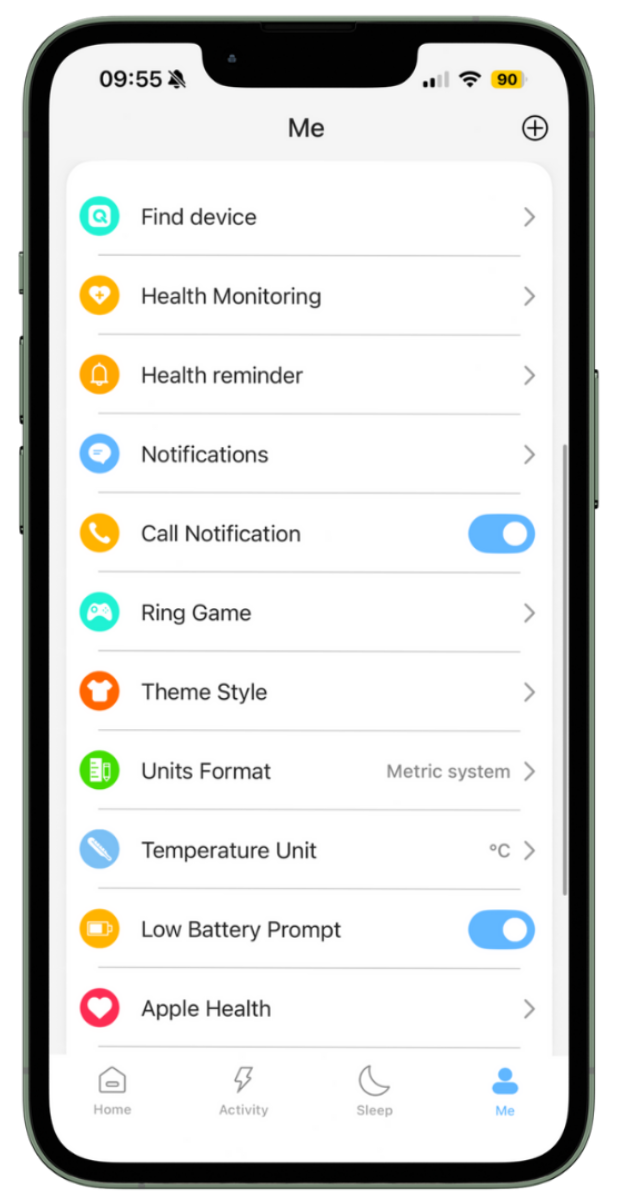
You can check your connection and firmware status, monitor the battery level, reconnect or unbind your ring, and easily locate it using the Find Device feature.
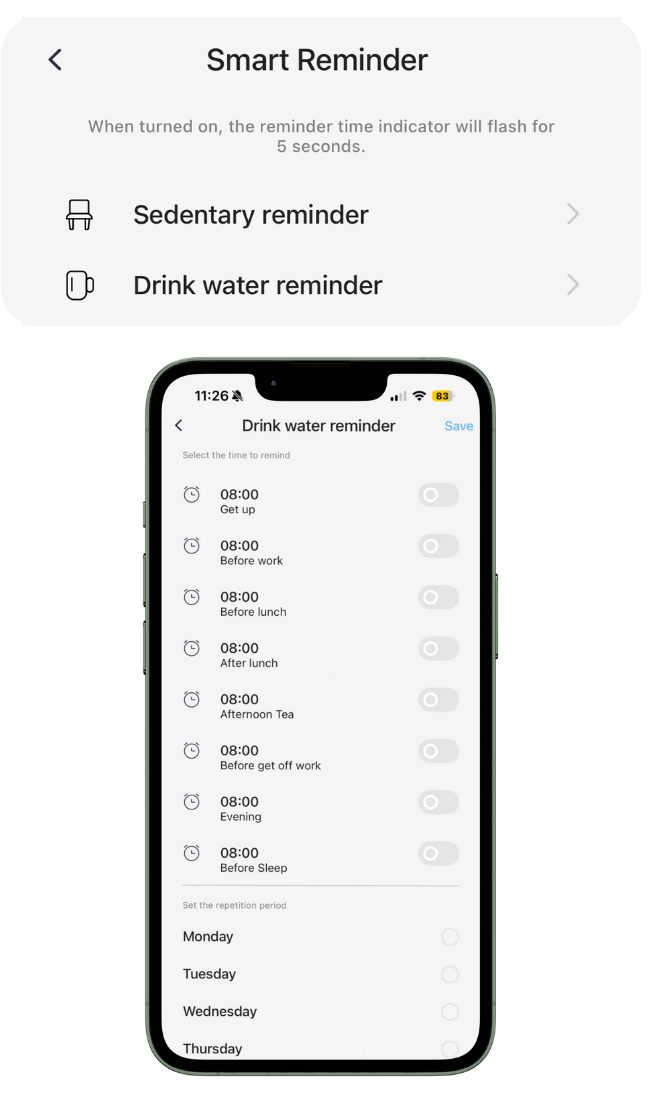
Health monitoring made simple
Activate monitoring, set helpful reminders, and review clear trends over time so you understand your progress instead of just seeing numbers.
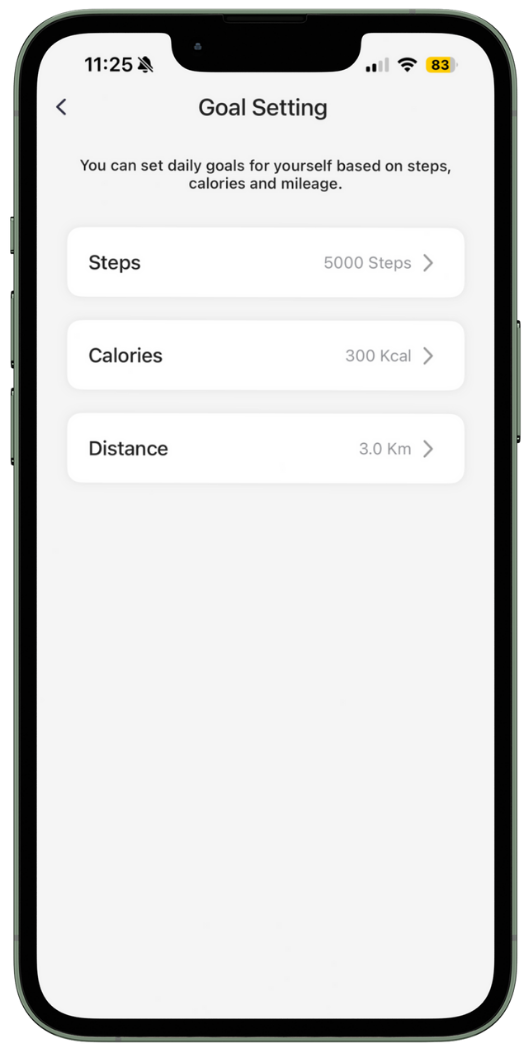
Goal setting
Set personal daily goals that match your lifestyle.
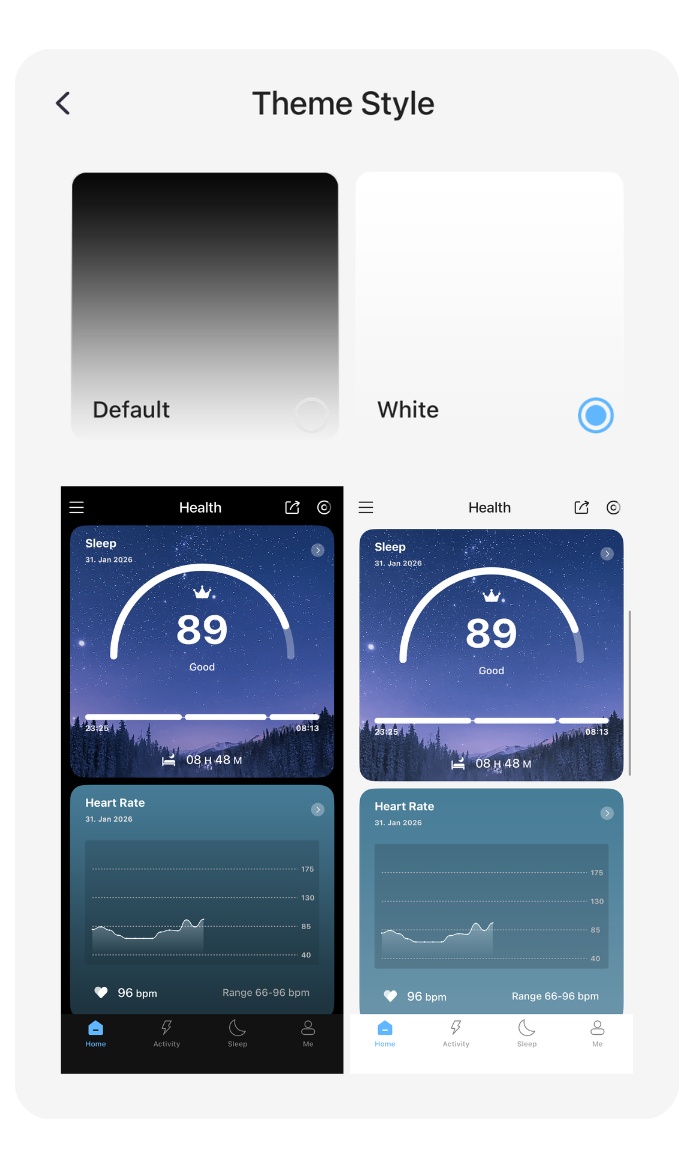
Personalized experience
Customize the app to match your preferences, creating an experience that adapts to you.
Sync Pulsevo with Apple Health
Securely sync compatible Pulsevo data via QRing to Apple Health and view your sleep, heart rate, activity, and trends in one place.
Open Apple Health
Find the Health app on your iPhone and open it.

Go to Apps & select QRing
In Health, tap your profile icon, then go to Apps and choose QRing.

Allow permissions & sync data
Turn on the data types you want to sync and allow QRing to write to Apple Health.

See Your Data in Apple Health
Sleep
Track your sleep quality and duration
Heart Rate
Monitor resting and active heart rate
Activity
Steps, distance & calories burned
Trends
View patterns & progress over time
Syncing is done securely through the QRing app. Your data is private and always under your control.